

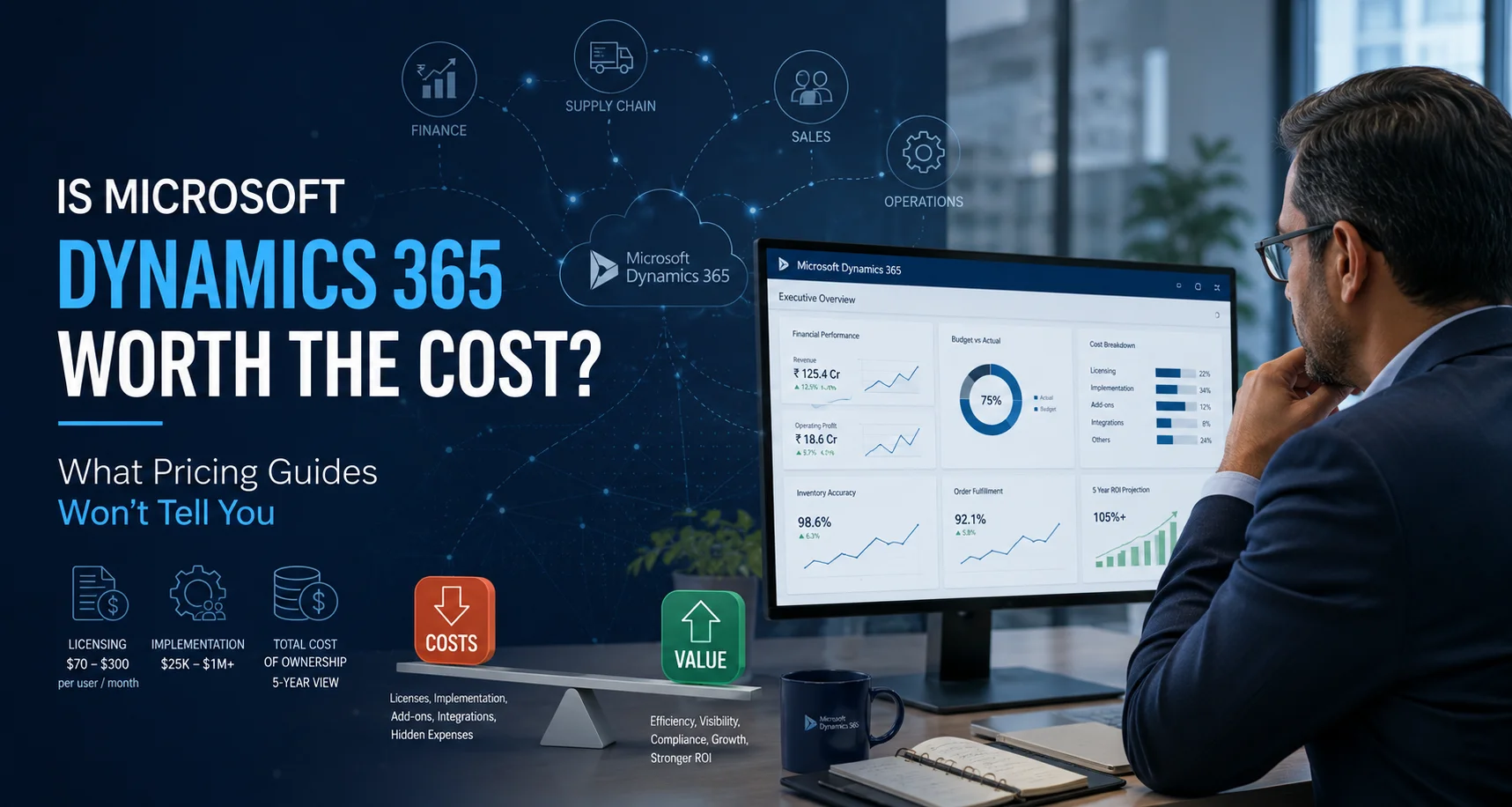

What Pricing Guides Won’t Tell You
Search that question and you’ll find a dozen articles quoting the same numbers: $70–$210 per user per month, implementations from $25,000 to $1 million+, five-year TCO somewhere in between.
All true. All almost useless for making an actual decision.
The honest answer depends on factors those articles skip — the licensing nuances that cut costs 30%, the hidden line items that inflate them, and the one variable that actually determines whether an ERP project pays back. As a Dynamics 365 implementation partner, here’s what we tell clients in the first meeting.
The Pricing Layers (Quickly)
For completeness, the three cost layers everyone quotes:
Licensing: roughly $70–$300 per user/month depending on product
Business Central Essentials at $70 for small and mid-sized businesses
Finance & Supply Chain Management at $210 base (realistically $240 with both apps) for enterprises, and a $300 Premium tier at the top.
Implementation: partner services for analysis, configuration, migration, and training — from ~$25,000 for a simple deployment to seven figures for multi-entity global rollouts.
Five-year TCO: typically $150,000 to $1 million+ depending on scale.
Now the parts that actually move your number.
Three Things That Cut Your Cost (That Buyers Rarely Know)
- Attach licensing. Your first Dynamics 365 app is priced at full “base” rate — but each subsequent qualifying app for the same user is an “attach” license at a fraction of the cost: $20/user/month for most apps, $30 for premium apps like Finance and Supply Chain Management. So a user who needs both Finance ($210) and SCM doesn’t pay $420 — they pay $240. Buyers who don’t know this either overbudget and walk away, or get quoted lazily and overpay. Sequencing which app is the base matters: always make the most expensive one the base.
- License mix discipline. Not everyone touching the system needs a full license. Team Member licenses (~$8/user/month) cover employees who only approve timesheets, raise requisitions, or view reports. In a typical 100-person deployment, we routinely find only 35–50 people need full licenses. Blanket per-head quoting is the most common way companies overpay by 25–40% on licensing — permanently.
- Phased rollout. Going live with core finance first, then expanding to supply chain, projects, or CRM in later phases, does two things: it spreads the implementation investment across budget cycles, and it lets the second phase be scoped against real usage instead of assumptions. Big-bang implementations are where most of the horror-story budgets come from.
Five Costs That Never Appear in Pricing Guides (But Always Appear in Invoices)
These are the line items that surprise buyers six months in:
- ISV add-ons.
Localized payroll, industry-specific functionality (e.g., EDI for manufacturing, advanced warehousing hardware integration), or banking connectors often come from third-party vendors at $2,000–$15,000/year. Budget for at least one or two. - Dual-running costs.
During cutover, you’ll likely pay for your legacy system *and* Dynamics simultaneously for 2–4 months. Plan for it; it isn’t optional. - Sandbox and test environments
Finance & Operations deployments need additional non-production environments beyond what’s bundled — a real recurring cost at enterprise tier. - Integration middleware
Connecting Dynamics to e-commerce platforms, logistics providers, or industry systems may require Azure integration services or iPaaS subscriptions — modest individually, meaningful in aggregate. - Your own people’s time.
The single most underbudgeted item. Your finance lead, IT manager, and process owners will spend 20–40% of their time on the project for its duration. If you don’t backfill or plan for it, the project slips — and slippage, not licensing, is what blows up ERP budgets.
Worked Example 1: 50-User Mid-Market Company on Business Central
Ranges like $150K to $1M don’t help you budget. Here’s a realistic picture for a growing Indian company — say, a manufacturer or distributor with ₹150–300 crore revenue — deploying Business Central with 30 full users and 20 team members:
| Cost Component | Indicative annual cost |
| 30 Essentials licenses (~$70/user/mo) | ~₹24.7 lakh |
| 20 Team Member licenses (~$8/user/mo) | ~₹1.9 lakh |
| One ISV add-on (e.g., India payroll/localization) | ~₹2–4 lakh |
| One ISV add-on (e.g., India payroll/localization) | ~₹2–4 lakh |
| Recurring annual total | ~₹29–31 lakh |
| One-time implementation (phased, finance-first) | ~₹30–60 lakh |
Five-year picture: Roughly ₹1.75–2.15 crore all-in. Against that, weigh what unification typically recovers: 3–5 days cut from monthly close, elimination of reconciliation headcount growth as entities multiply, inventory accuracy gains, and audit/GST compliance effort that stops scaling with revenue. For a company at this size adding entities or locations, payback inside 24–30 months is a realistic, defensible expectation — consistent with the 100%+ ROI that independent studies (such as Forrester’s Total Economic Impact research) project for midmarket deployments.
(Figures are indicative for budgeting, calculated at ₹98/USD; actuals depend on scope, prevailing exchange rates, and Microsoft’s current price list.)
Worked Example 2: 100-User Enterprise on Finance & Supply Chain Management
For larger organizations — multi-entity manufacturers, distributors, or groups typically above ₹500 crore revenue with complex production, warehousing, or global operations — Business Central runs out of headroom, and Dynamics 365 Finance & Supply Chain Management (formerly Finance & Operations) is the right tier. The economics change substantially.
The licensing structure: Finance and Supply Chain Management are each priced at $210/user/month as a base license (raised from $180 in Microsoft’s October 2024 revision — worth knowing, because older quotes and articles still float the outdated figure). Most full users in an enterprise deployment need both apps, so the realistic per-user figure is $240/month (base + $30 attach), with a $300 Premium edition for advanced enterprise scenarios. Team Members remain $8.
Here’s an indicative picture for a 100-user deployment — 50 full users (Finance base + SCM attach) and 50 team members:
| Cost component | Indicative annual cost |
| 50 full users — Finance + SCM attach ($240/user/mo) | ~₹1.41 crore |
| 50 Team Member licenses ($8/user/mo) | ~₹4.7 lakh |
| ISV add-ons & India localization | ~₹5–10 lakh |
| Additional sandbox/test environments | ~₹8–15 lakh |
| Recurring annual total | ~₹1.6–1.7 crore |
| 50 full users — Finance + SCM attach ($240/user/mo) | ~₹1.41 crore |
| One-time implementation (phased, multi-entity) | ~₹1.5–3 crore |
Five-year picture: roughly ₹9.5–11.5 crore all-in — four to five times the Business Central scenario. That gap is exactly why product selection is the single biggest cost decision in a Dynamics evaluation, and why companies that buy F&SCM when Business Central would have served them are the ones who later say “Dynamics was overpriced.” It wasn’t — it was over-specified.
The rough dividing line we use: if you need advanced manufacturing execution (discrete/process/lean), complex multi-site warehousing, global consolidation across many entities, or transportation management, you’re an F&SCM company. If your needs are strong financials, inventory, projects, and straightforward manufacturing within a handful of entities, Business Central — often with one or two ISV add-ons — delivers 90% of the value at a quarter of the cost.
When the Investment Is Clearly Justified
- Your teams already live in Microsoft. Native integration with Excel, Outlook, Teams, and Power BI means adoption is faster and training costs lower — the hidden killer of ERP projects on other platforms.
- Fragmentation is costing you headcount. If every new entity, warehouse, or sales channel means hiring another person to reconcile spreadsheets, you don’t have a staffing problem — you have a systems problem. Unified data is the core ROI driver.
- You’re growing into complexity. Multi-entity consolidation, multi-currency, GST and statutory compliance, and serious analytics are native strengths. You won’t face a painful re-platforming in five years.
When to Walk Away (Yes, Really)
- You’d need to rebuild the system in your own image If your processes demand extensive custom code, budgets inflate 20–40% and every customization adds friction to future updates. The disciplined answer is adapting processes to platform best practices, or extending via Power Platform configuration instead of code. If neither is acceptable to your organization, a custom build or a different platform may genuinely serve you better — and a good partner will say so.
- You’re below the complexity threshold A single-entity business with simple operations, a handful of users, and no near-term expansion plans will struggle to recover the implementation investment quickly. Revisit when entity count, compliance burden, or transaction volume starts hurting.
A 5-Question Self-Assessment
Before talking to any vendor, score yourself honestly:
- Do month-end close or reconciliations take longer every year as you grow? (Yes = fragmentation is already taxing you.)
- Do you operate, or plan to operate, more than one legal entity, currency, or location? (Yes = unification ROI is real.)
- Are your teams already on Microsoft 365? (Yes = adoption cost drops materially.)
- Can you name an executive sponsor who’ll give this project real time? (No = fix this before buying anything.)
- Are you willing to adapt processes to best practices rather than customize the system to old habits? (No = your TCO will not match any quote you receive.)
Four or five “right” answers: the cost is very likely justified, and the conversation should be about scoping.
Two or fewer: wait, or look at lighter options — and be suspicious of anyone who tells you otherwise.
The Bottom Line
Licensing rates don’t determine whether Dynamics 365 is worth it. Scope discipline, license mix, phasing, and your own organization’s readiness do. The same platform that returns 100%+ ROI for one company becomes an expensive ornament for another — and the difference is almost never the software.
Want a real number instead of a range?
Sunbridge Global offers a no-obligation Dynamics 365 fit and cost assessment — product selection (Business Central vs. Finance & Operations), an optimized license mix, and a realistic five-year TCO for your specific operations. Share your industry, user count, and growth plans, and we’ll tell you honestly whether the cost is justified for you.